
AI Tools for Small Business: What to Use, What to Avoid, and Where to Start

Updated: Aug 2
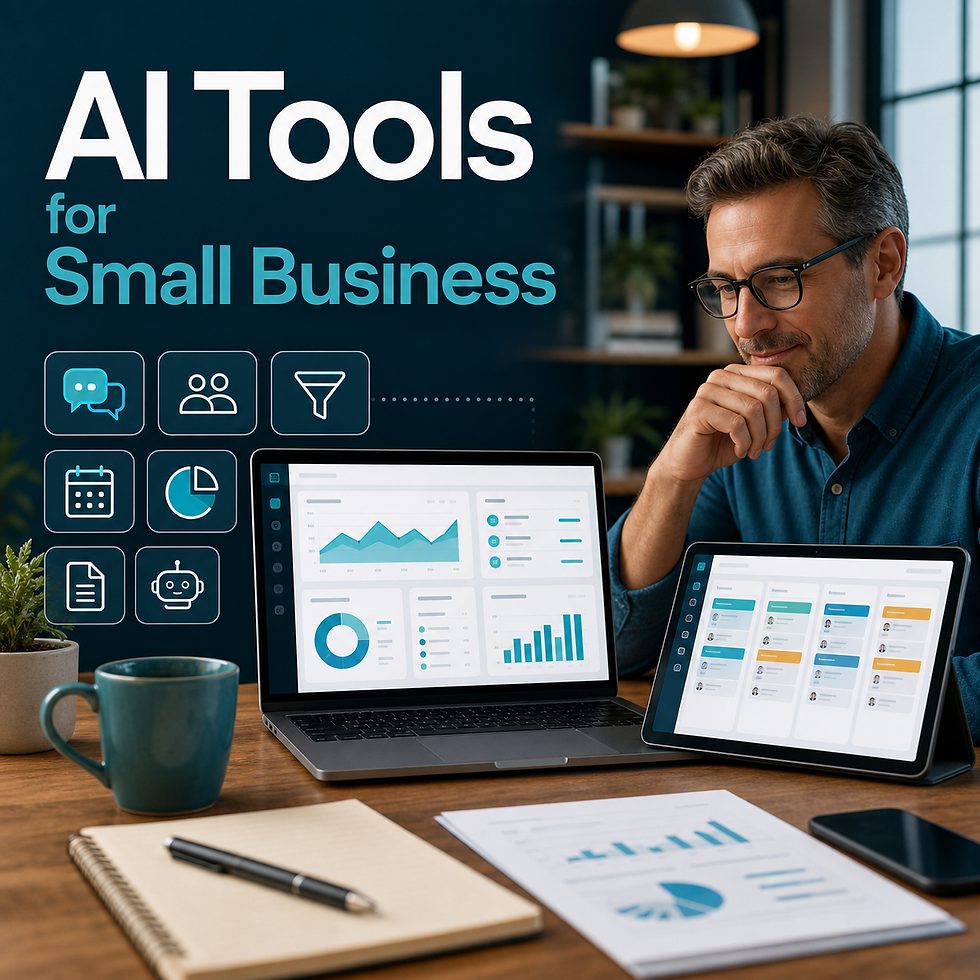
AI tools can help small businesses save time, improve communication, organize information, and reduce repetitive work.
But there is a problem:
There are too many tools, and most businesses do not know where to start.
That leads to scattered experiments. Someone tries a writing tool. Someone else uses an AI meeting note app. Another person signs up for an automation platform. A few weeks later, the business has more logins, but not much has changed.
The issue is not that AI tools do not work.
The issue is that tools are not the strategy.
The right starting point is the workflow.
What are AI tools for small business?
AI tools for small business are software platforms that use artificial intelligence to help with tasks like writing, communication, research, customer support, reporting, automation, scheduling, document search, and content creation.
Common categories include:
AI writing tools
AI chat assistants
AI meeting note tools
AI customer support tools
AI automation tools
AI document search tools
AI reporting tools
AI content creation tools
AI CRM and sales tools
These tools can be useful, but only if they are connected to a clear business need.
Start with the problem, not the tool
Before choosing an AI tool, ask:
What task are we trying to improve?
Who does this task now?
How often does it happen?
How much time does it take?
What information does the tool need?
Does the output need human review?
How will we know if the tool helped?
If you cannot answer those questions, you are probably not ready to pick a tool yet.
The best AI tool categories for small businesses
Here are the categories that usually matter most for small businesses.
1. AI writing and communication tools
AI writing tools can help create first drafts of:
emails
follow-up messages
blog posts
social posts
proposals
job descriptions
internal announcements
FAQs
scripts
process documents
These tools are useful because many business tasks start with writing.
The caution: do not publish or send AI writing without review. The output should be edited for accuracy, tone, and brand voice.
Best use:
Use AI to create the first draft, then have a person improve it.
2. AI meeting and note tools
AI meeting tools can summarize conversations and pull out action items.
They can help with:
sales calls
internal meetings
project updates
customer discovery calls
team planning
onboarding calls
This is useful when meetings create decisions that are not written down clearly.
Best use:
Use AI to summarize the meeting, identify next steps, and draft follow-up notes.
3. AI document search tools
Document search is one of the strongest AI use cases for small businesses.
If your information is spread across PDFs, SOPs, shared folders, templates, training documents, and past proposals, an AI assistant can help the team find answers faster.
This can reduce interruptions and help employees use the knowledge the business already has.
Best use:
Create an internal assistant trained on approved company documents.
4. AI customer support tools
AI can help answer common customer questions or assist staff in preparing replies.
This can help with:
service questions
scheduling questions
onboarding
status updates
FAQs
intake questions
For most small businesses, the safest first step is internal support, not a fully public chatbot. Let your team use AI to draft answers before letting AI respond directly to customers.
Best use:
Start with a staff-facing assistant before moving to customer-facing automation.
5. AI sales follow-up tools
Sales follow-up is where AI can create direct revenue impact.
AI can help:
summarize lead information
draft follow-up emails
create call recap notes
suggest next steps
prepare proposal language
organize open opportunities
Best use:
Use AI to speed up follow-up while keeping the salesperson in control.
6. AI reporting tools
AI can help turn activity into summaries.
Examples:
weekly sales report
missed call summary
customer issue report
AI tools can help small businesses save time, improve communication, organize information, and reduce repetitive work.
But there is a problem:
There are too many tools, and most businesses do not know where to start.
That leads to scattered experiments. Someone tries a writing tool. Someone else uses an AI meeting note app. Another person signs up for an automation platform. A few weeks later, the business has more logins, but not much has changed.
The issue is not that AI tools do not work.
The issue is that tools are not the strategy.
The right starting point is the workflow.
What are AI tools for small business?
AI tools for small business are software platforms that use artificial intelligence to help with tasks like writing, communication, research, customer support, reporting, automation, scheduling, document search, and content creation.
Common categories include:
AI writing tools
AI chat assistants
AI meeting note tools
AI customer support tools
AI automation tools
AI document search tools
AI reporting tools
AI content creation tools
AI CRM and sales tools
These tools can be useful, but only if they are connected to a clear business need.
Start with the problem, not the tool
Before choosing an AI tool, ask:
What task are we trying to improve?
Who does this task now?
How often does it happen?
How much time does it take?
What information does the tool need?
Does the output need human review?
How will we know if the tool helped?
If you cannot answer those questions, you are probably not ready to pick a tool yet.
Free AI tools for small business
Free AI tools can be useful for testing.
They are often good for:
brainstorming
drafting
rewriting
summarizing
simple research
creating checklists
testing prompts
But free tools also have limits.
Watch for:
data privacy concerns
limited features
weak integrations
no team controls
inconsistent outputs
no clear workflow ownership
Free tools are fine for learning. They are not always the best foundation for a business-critical workflow.
What to avoid when choosing AI tools
Avoid these common mistakes.
Mistake 1: Buying before mapping the workflow
Do not buy a tool just because it sounds powerful.
If you do not know the workflow, you will not know whether the tool is working.
Mistake 2: Letting every employee choose their own tools
This creates scattered systems, inconsistent quality, and possible data risk.
The business should decide which tools are approved and how they should be used.
Mistake 3: Automating too much too soon
Start with AI-assisted workflows before fully automated workflows.
Human review protects quality while the business learns.
Mistake 4: Ignoring source information
AI is only as useful as the information behind it.
If your SOPs, service descriptions, templates, and documents are outdated, fix that before building around them.
Mistake 5: Measuring tool usage instead of business impact
The goal is not "we used AI."
The goal is:
faster follow-up
fewer missed opportunities
less admin time
better reporting
faster document lookup
more consistent customer communication
Measure business outcomes, not novelty.
How to choose the right AI tools
Use this process:
1. Pick one workflow. 2. Write down the current process. 3. Identify the slowest or most repetitive step. 4. Decide whether AI should draft, summarize, search, classify, or automate. 5. Identify what information AI needs. 6. Choose the simplest tool that fits. 7. Test it with human review. 8. Measure time saved or follow-up improved.
This keeps the process practical.
Best first AI tool use cases
If you are just starting, these are good places to test:
draft customer follow-up emails
summarize sales calls
create internal FAQs
search SOPs and service documents
create weekly owner summaries
turn meeting notes into task lists
summarize website form submissions
draft social posts from business updates
create first drafts of process documents
These workflows are useful, common, and easier to review.
When should a small business get help?
You may want help choosing and implementing AI tools if:
your team is busy but unsure where to start
you have several possible use cases
your documents are scattered
you are worried about data privacy
you want AI connected to real workflows
you need a phased implementation plan
you want to estimate ROI before buying tools
An AI Blueprint can help map the highest-value workflows before you commit to tools.
Related AI Solutions resources
For the main strategy, learn what workflows you can implement to have the highest impact. Find out How AI Can Help Your Business.
If you need the plain-English foundation first, learn What AI Solutions are Right for Your Business
If you are ready to connect tools to workflows, read AI Automation for Small Business: Where to Start First.
For help selecting tools that fit existing workflows, review the AI implementation services page, learn more on the About page, or use the contact page to schedule an AI Blueprint call.
AI tools for small business can be powerful, but only when they support a real business process.
Do not start by chasing the newest tool.
Start by identifying the work your team repeats every week. Then choose tools that help with that work.
If you are not sure where AI fits, take the AI Assistant Readiness Assessment before choosing tools. It will help identify where AI could save time, reduce repetitive work, and support your team.
project update
open task list
lead source summary
This helps owners see what is happening without manually building every report.
Best use:
Start with one weekly report that leadership actually wants to read.
7. AI automation tools
Automation tools can connect forms, email, spreadsheets, CRMs, calendars, and other systems.
AI can add value by summarizing, classifying, drafting, or routing information.
Examples:
form submission comes in and AI summarizes it
new lead gets categorized by service type
weekly summary is created from spreadsheet data
customer message is drafted from a template
internal task is created from meeting notes
Best use:
Automate one simple workflow before trying to connect the whole business.
When should a small business get help?
You may want help choosing and implementing AI tools if:
your team is busy but unsure where to start
you have several possible use cases
your documents are scattered
you are worried about data privacy
you want AI connected to real workflows
you need a phased implementation plan
you want to estimate ROI before buying tools
An AI Blueprint can help map the highest-value workflows before you commit to tools.
Final thought
AI tools for small business can be powerful, but only when they support a real business process.
Do not start by chasing the newest tool.
Start by identifying the work your team repeats every week. Then choose tools that help with that work.
If you are not sure where AI fits, take the AI Assistant Readiness Assessment before choosing tools. It will help identify where AI could save time, reduce repetitive work, and support your team.

Comments